Using the Sandbox
This page is the agent-author’s view of the sandbox: how to give an agent code execution, what tools the LLM gains, and how the sandbox behaves across a conversation.
If your workspace has no sandbox yet, a workspace admin needs to add one under Settings → Sandboxes first — see Sandbox — Setup. Agent authors only bind it.
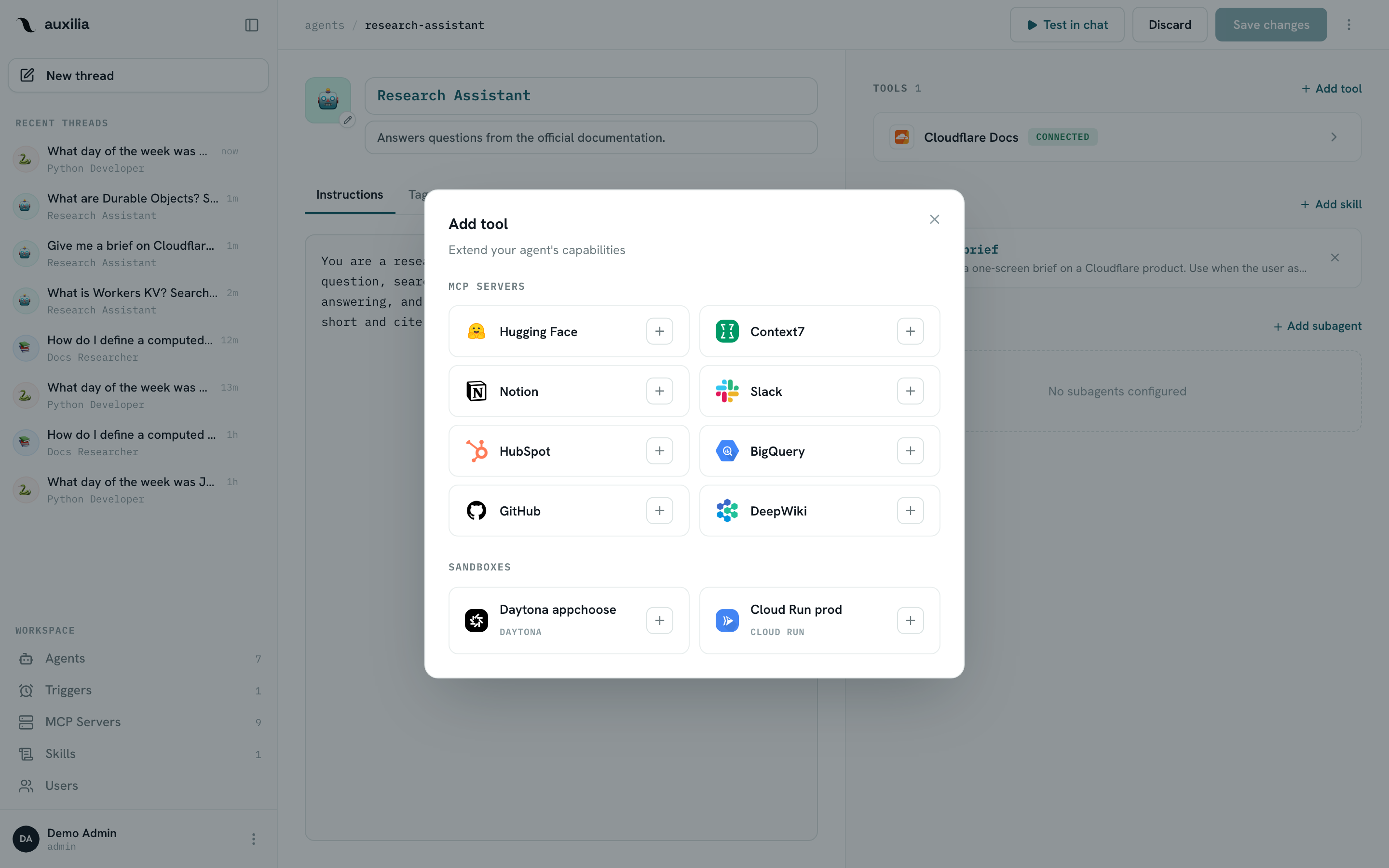
Give an agent code execution
- Open the agent and click Edit
- In the Tools section, click Add tool
- Below the MCP servers, pick a sandbox and click Add
- Save changes
An agent binds one sandbox. From the next message on, every run of the agent has a live sandbox: auxilia opens it before the model sees the conversation — there is nothing for the LLM to create or connect.
What the agent gains
A sandboxed agent runs on deepagents’ harness. On top of its MCP tools it gets:
| Tool | What it does |
|---|---|
execute(command, timeout=None) | Run a shell command in the sandbox; returns stdout + stderr and the exit code. Commands are cut off at the sandbox’s per-command timeout (default 30 minutes) with exit code 124. |
ls(path) | List a directory |
read_file(path, offset=0, limit=2000) | Read a file with line numbers, paginated |
write_file(path, content) | Create a file (fails if it exists — use edit_file to change one) |
edit_file(path, old_string, new_string, replace_all=false) | Exact string replacement inside a file |
glob(pattern) | Find files by pattern, e.g. **/*.py |
grep(pattern, path=".") | Regex search over file contents |
write_todos | Keep a plan for multi-step work (rendered in the chat) |
task | Delegate a sub-task to a general-purpose helper that has the same tools and skills |
All file tools operate on the sandbox’s filesystem, never on the auxilia host. The packages listed as Default packages on the sandbox are pip-installed when a sandbox is created, so the agent doesn’t have to.
One sandbox per thread
The thread remembers its sandbox. At the start of every run auxilia:
- Reconnects the thread’s sandbox if it still exists — files written in earlier turns are there, and on OpenSandbox the 30-minute lifetime is renewed; on Daytona a sandbox that auto-stopped while idle is started again
- Replaces it with a fresh one if it is gone (expired, deleted, or lost with its host and no snapshot) — the model receives a host notice saying the earlier files are gone, so it recreates what it needs instead of assuming
- Creates one on the first run of the thread
At the end of each turn the sandbox state is persisted where the provider supports it (Cloud Run sandboxes snapshot to GCS). A new thread always starts with a new sandbox.
When the sandbox is unavailable
If the sandbox provider does not answer — wrong credentials, quota, outage — the agent is not ready: the chat replaces the composer with a notice, and a run launched over the API is refused with a 409 sandbox_unavailable. The model never runs without the sandbox it was configured with, and never sees the outage. Fix the sandbox under Settings → Sandboxes and the agent recovers on its own.
Skills and scripts
Skills with scripts/ need a sandboxed agent: the run uploads every enabled skill to /tmp/auxilia-skills/<skill-name>/ in the sandbox, and the system prompt lists the scripts by absolute path, so the agent reads the SKILL.md and runs the script in two tool calls. See Skills.
Typical usage pattern
A data-analysis agent’s turn looks like:
write_file("/tmp/analysis.py", "...")execute("python /tmp/analysis.py")read_file("/tmp/result.json")
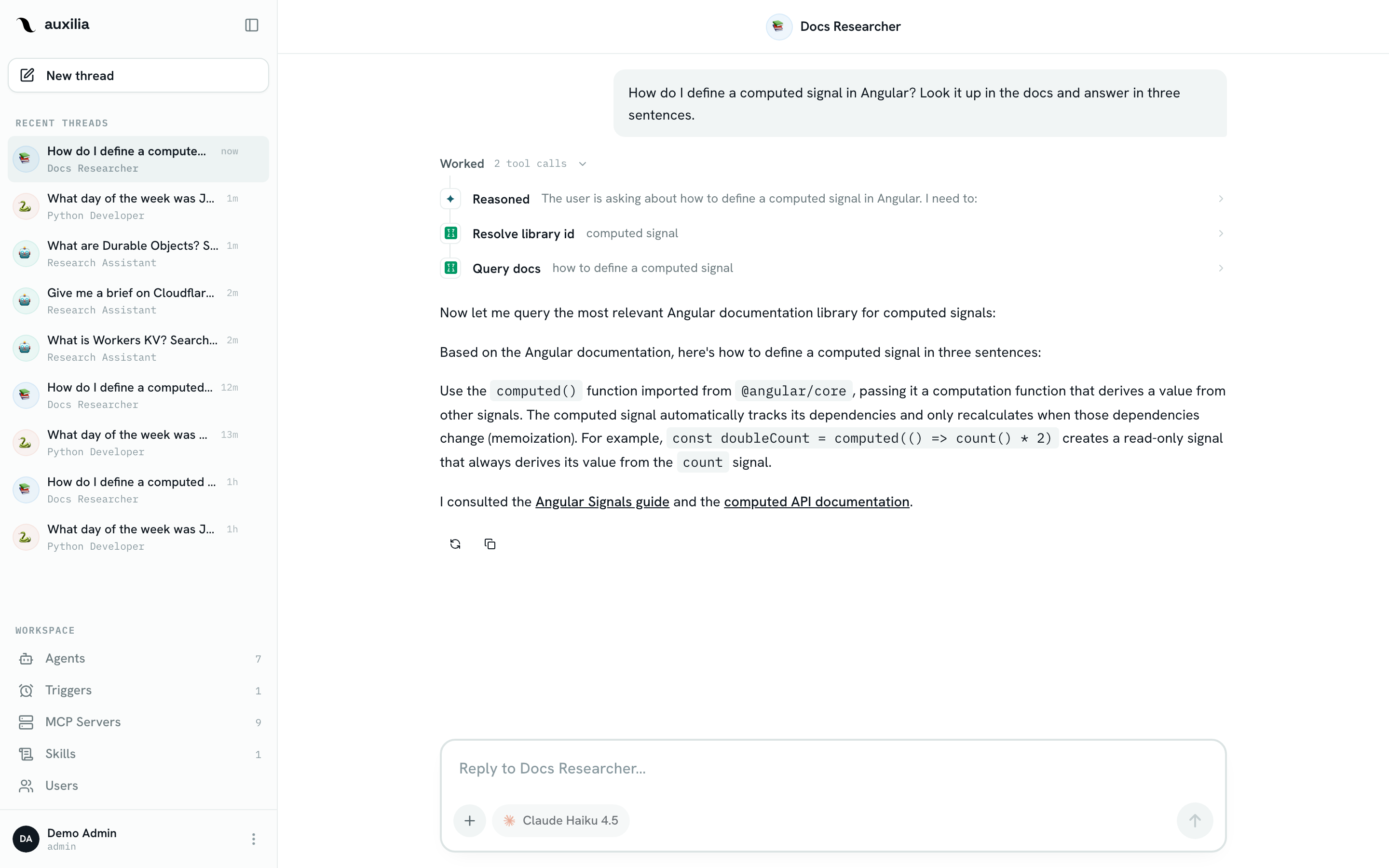
Because the sandbox lives for the length of the thread, later turns can just execute or read_file without rebuilding state. The tool call for each step shows up in the chat’s Worked timeline.
Related
- Sandbox — Setup — adding an OpenSandbox, Daytona or Cloud Run sandbox to the workspace
- Sandbox — Security — isolation model, volume mounts, timeouts
- Tools & Permissions — approval settings for MCP tool calls (sandbox tools are always allowed)